Tango Gift Card Reward Integration
Give River integrates with Tango, a third-party gift card platform, to offer team members a broad catalog of brand-name gift cards redeemable with their drops. This integration is optional and must be enabled by an administrator before members can access gift cards in the Drop Shop.
For Admins: Enabling the Tango Integration
How to Turn Gift Cards On or Off
- In Admin view, go to Settings › Rewards Account.
- Turn on the Gift Cards switch.
- When it's on, gift cards from the Tango catalog appear in the Drop Shop's Gift Cards tab.
- When it's off, the Gift Cards tab is hidden from all members.
- Make sure your Account Balance has funds (use Add Funds). Gift-card redemptions are paid from this balance, and a warning appears when it's empty or low.
Turning gift cards off asks you to confirm first (Disable Gift Card redemption?), because members can't redeem gift cards until you turn it back on.
Auto Redeem, on the same page, decides whether members' redemptions are approved and sent automatically, or wait for an admin to approve each one.
If you need help setting up your Tango account, contact Give River support.
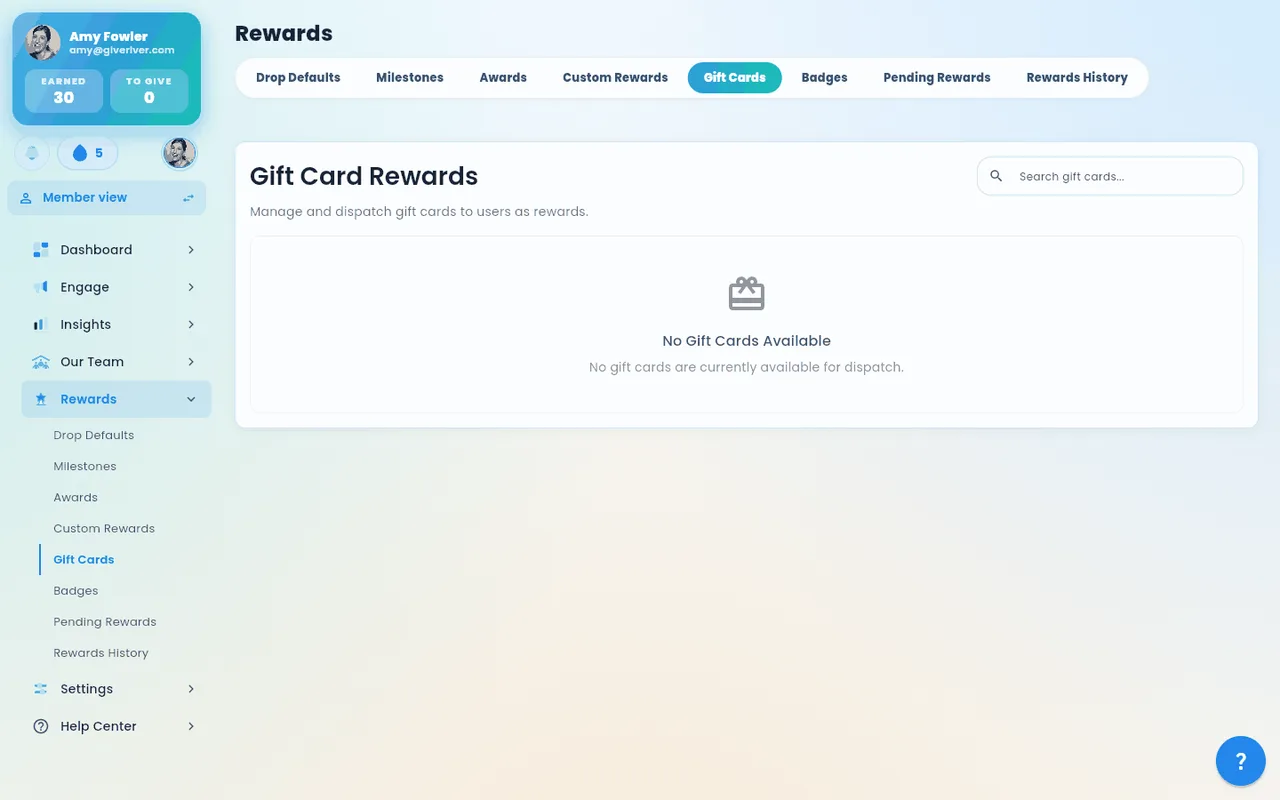
Reviewing the catalog (Rewards › Gift Cards)
Admin › Rewards › Gift Cards lists brands from your catalog. Brands that come in set amounts (for example $10, $25, $50) are listed first, then brands that let members pick their own amount; within each group the cheapest come first. For each brand:
- Face values shows the fixed amounts the card comes in (for example "$10, $25, $50…"). Brands that let members pick their own amount show the range instead, such as $5–$500, or Any amount when Tango doesn't publish limits.
- Min drops is the fewest drops any of the brand's cards costs at your drop-to-dollar ratio. For pick-your-own-amount cards it is the cost of the minimum amount (at least $1).
Approving gift card requests
When a member redeems a gift card, the request waits in Dashboard › Action Items (and Rewards › Pending Rewards) until an admin approves it. Approving orders the card from Tango and charges your gift card balance straight away, so gift cards are always approved one at a time, each with its own confirmation. They have no checkbox for Approve selected, which covers custom and milestone rewards only. See Admin Home and Engage Page.
For Members: Browsing and Redeeming Gift Cards
Once an admin enables the Tango integration, gift cards appear in the Drop Shop under the Gift Cards tab.
Browsing the Catalog
- Open the Drop Shop from the main navigation.
- Tap the Gift Cards tab.
- Use the search bar to find a specific brand by name.
- Use the Redeemable filter dropdown to show only cards you have enough drops to redeem right now, or select All to see the full catalog.
- Use the Category filter dropdown to browse by category (e.g., Dining, Retail, Entertainment, Travel).
- Tap any gift card to open its detail page.
Gift Card Detail Page
The detail page shows:
- Brand image and logo
- Card status (active / available)
- HTML description of the gift card and its terms
- Redemption options (fixed amounts or variable amount)
- Your current available drop balance (shown as a chip)
Redeeming a Fixed-Amount Gift Card
Some gift cards come in preset denominations (e.g., $10, $25, $50, $100).
- On the gift card detail page, browse the denomination grid.
- Each tile shows the dollar face value and the equivalent drop cost.
- Tap the denomination you want to redeem.
- Confirm you have enough drops in your balance chip.
- Tap Redeem and confirm the prompt.
Redeeming a Variable-Amount Gift Card
Some gift cards allow you to choose any amount within a supported range.
- On the gift card detail page, enter a dollar amount in the dollar field, or enter a drop amount in the drop field.
- The two fields update each other automatically based on your organization's drop-to-dollar conversion rate.
- Choose an amount that fits within your available balance.
- Tap Redeem and confirm the prompt.
After Redemption
- The gift card is delivered electronically. Delivery method depends on the brand (typically email or in-app code).
- The redemption appears in your Drop Shop History tab, where you can track its status.
Drop-to-Dollar Conversion Rate
Your organization's admin sets a drop-to-dollar ratio that determines how many drops equal one dollar of gift card value. This ratio applies to all Tango gift card redemptions.
For example, if the ratio is 100 drops = $1.00:
- A $25 gift card costs 2,500 drops
- A $10 gift card costs 1,000 drops
The conversion is shown in real time on the gift card detail page so you always know exactly how many drops a redemption will cost.
Admin Gifting via Tango
Admins can also send gift cards directly to team members without requiring the recipient to redeem them. This uses the Dispatch workflow. See Give a Drop Shop Item for step-by-step instructions.
To see what was spent on gift cards (and custom rewards) each month, and who received them, use Rewards > Reports — see Admin Reward Reports.
Frequently Asked Questions
The Gift Cards tab is missing from the Drop Shop. What happened? Your admin has turned gift cards off. Ask them to turn them back on.
I redeemed a gift card but have not received it yet. Allow a short processing window (usually a few minutes to a few hours depending on the brand). Check your History tab in the Drop Shop for the redemption status. If it shows a pending or failed status after 24 hours, contact your admin.
Can I set a gift card as a reward goal? Yes. If you do not have enough drops to redeem a gift card right now, tap Set as Goal on the detail page. Your progress toward the required drop amount will be tracked in the Reward Goal card at the top of the Drop Shop.
What brands are available? The available catalog depends on what Tango offers in your region and what your organization has configured. Use the search bar and category filter in the Gift Cards tab to explore what is available to you.
Did this article help?
Related articles.
See the platform in action.
Free for up to 25 members, or try Core or Growth free for 30 days. A card is required; Free is never charged, and a trial bills when it ends unless you cancel.