Admin Impact Dashboard
The Impact Dashboard gives admins a view of your team's collective good deeds and recognition activity. It's separate from the Insights analytics dashboard — where Insights focuses on engagement metrics and trends, Impact shows the direct output of your team's recognition culture.
Audience: Admins only
Accessing the Impact Dashboard
The Impact Dashboard isn't in the admin navigation. To open it on the web, sign in as an admin and add /impact-dashboard to the end of your Give River address. The back arrow at the top left, next to the tab, takes you to the admin Dashboard.
Team Good Deeds
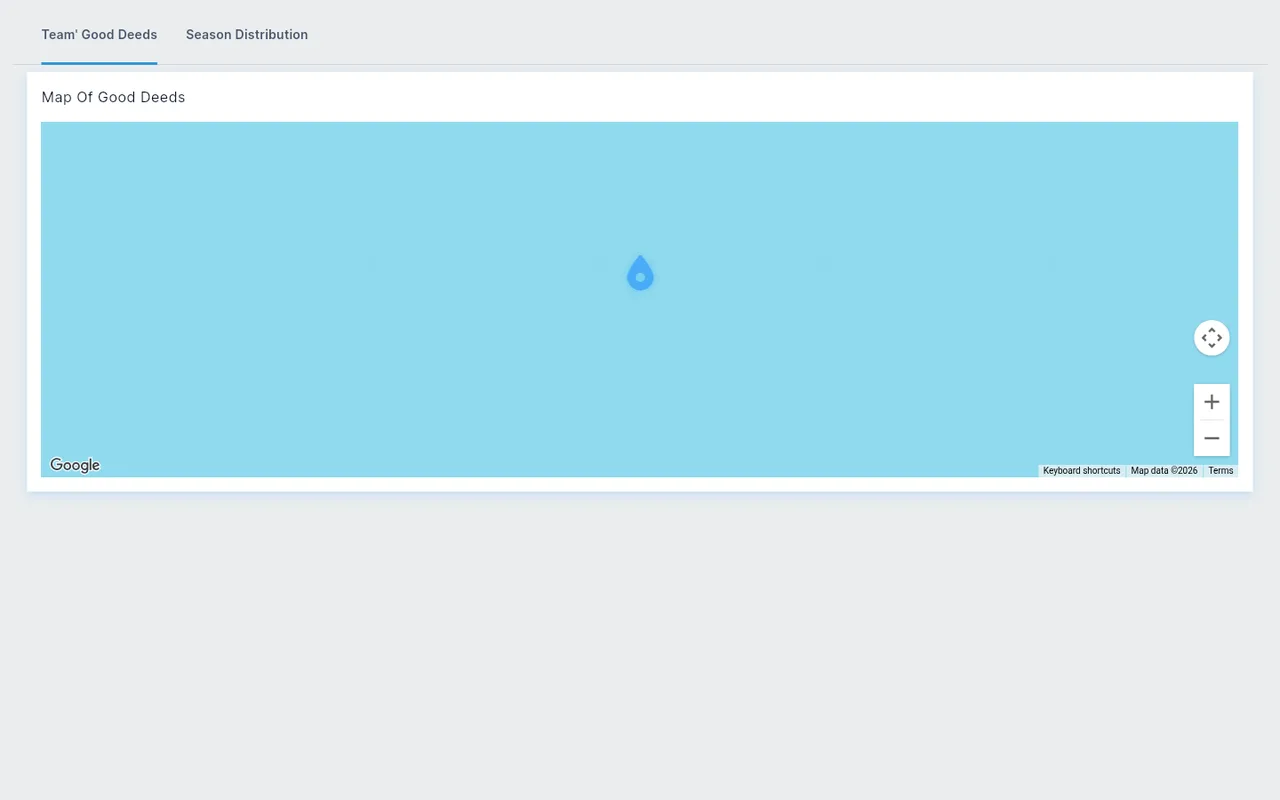
The dashboard has one tab, Team Good Deeds. It shows the Map of Good Deeds: where your team's recognition posts and drops happened.
Use it to:
- See the volume and nature of recognition happening on your team
- See where on the map your team's good deeds take place
- Understand what kinds of good deeds your team values and celebrates
Relationship to Insights
The Impact Dashboard complements the Insights analytics section:
- Impact — focuses on what your team is recognizing (the good deeds themselves)
- Insights — focuses on how your team is engaging (metrics, trends, retention, growth)
For deeper analytics including engagement rates, River Run completion, survey results, and retention data, see the Admin Insights & Analytics article.
Did this article help?
Related articles.
See the platform in action.
Free for up to 25 members, or try Core or Growth free for 30 days. A card is required; Free is never charged, and a trial bills when it ends unless you cancel.