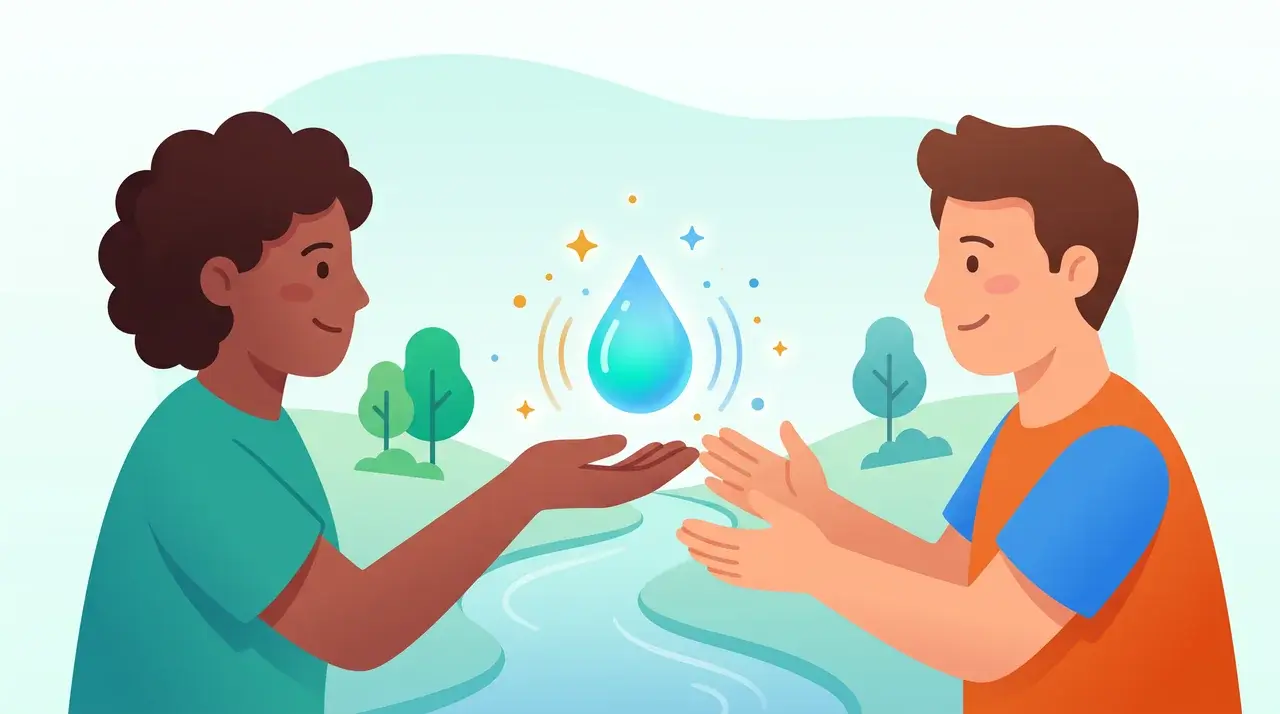
Recognition & Drops
Send recognition, give and earn Drops, and unlock badges and awards.
- Automated Milestones (Birthdays and Work Anniversaries)
Give River automatically tracks and surfaces birthdays and work anniversaries so your team never misses a chance to celebrate. Milestones appear on Home in the Celebrations section, which shows either Upcoming celebrations or the Past week.
- Celebration Animations
Give River celebrates good moments with short animations, so giving and earning drops feels like more than a number changing.
- Core Values Hashtag Tagging
Core values tags let you connect recognition posts to the specific values your organization cares about. Tags appear as #hashtags inside post text, and tapping one shows every post with that value.
- Custom Badges and Awards
Badges are custom achievement awards that your admin creates for the team. Each badge is linked to a specific trigger — an action a member takes (such as giving Drops) — and is automatically awarded when that member hits a target count. Earning a badge also grants the recipient a Drops reward.
- Drop Budget (Shareable Drops Allocation)
Shareable drops (your drops to give) are what you use to recognize your teammates. Your organization allocates a fresh budget of drops on a regular cycle (weekly or monthly), and you spend them by sending drops to colleagues through posts or the Send a Drop flow.
- Drop Dares and Challenges
Drop Dares (also called challenges) are opt-in events where you compete with teammates for drop prizes. Each Dare has a theme, a joining fee, and prize tiers for the top finishers. Participation involves posting a photo or video as your entry.
- How Drops Work: Received, Earned and Your River Bank
Give River counts a few different kinds of drops, plus two habit meters. Each number in the app says which kind it is and over what period (for example "Drops received · all time" or "Resets in 3 days"). This page is the glossary behind those labels.
- How Performance Seasons Work
A Performance season is a season whose goal is Boost Performance & Productivity. For that season only, SMART goals move to the front: members see their goals on Home, get gentle reminders, can work toward a shared team goal, and earn season points for the milestones they finish. When the season ends, everything goes back to normal, and goals stay a quiet tab in My River.
- How to Send a Drop (Peer Recognition)
A Drop is how you recognize someone on Give River — a public or private shout-out you send to a colleague, optionally with some drops (💧) attached. Every Drop you post appears in your team's feed and, optionally, in your own Journal.
- SMART Goals
Set personal goals, break them into milestones, and earn drops as you make progress, with your manager cheering (and approving) along the way.
- SMART Goals for Managers
When people report to you, you're the first reviewer for their goals and milestones, and the person best placed to help them get there. This guide covers your views, the approval flow, team goals, and what changes during a Performance season.
Other topics
 Getting Started
 River Runs
 Team & Community
 Giving & Rewards
 Your Account & Settings
 Admin & Management
 Integrations
Can't find what you need? Email support@giveriver.com.
See the platform in action.
Free for up to 25 members, or try Core or Growth free for 30 days. A card is required; Free is never charged, and a trial bills when it ends unless you cancel.