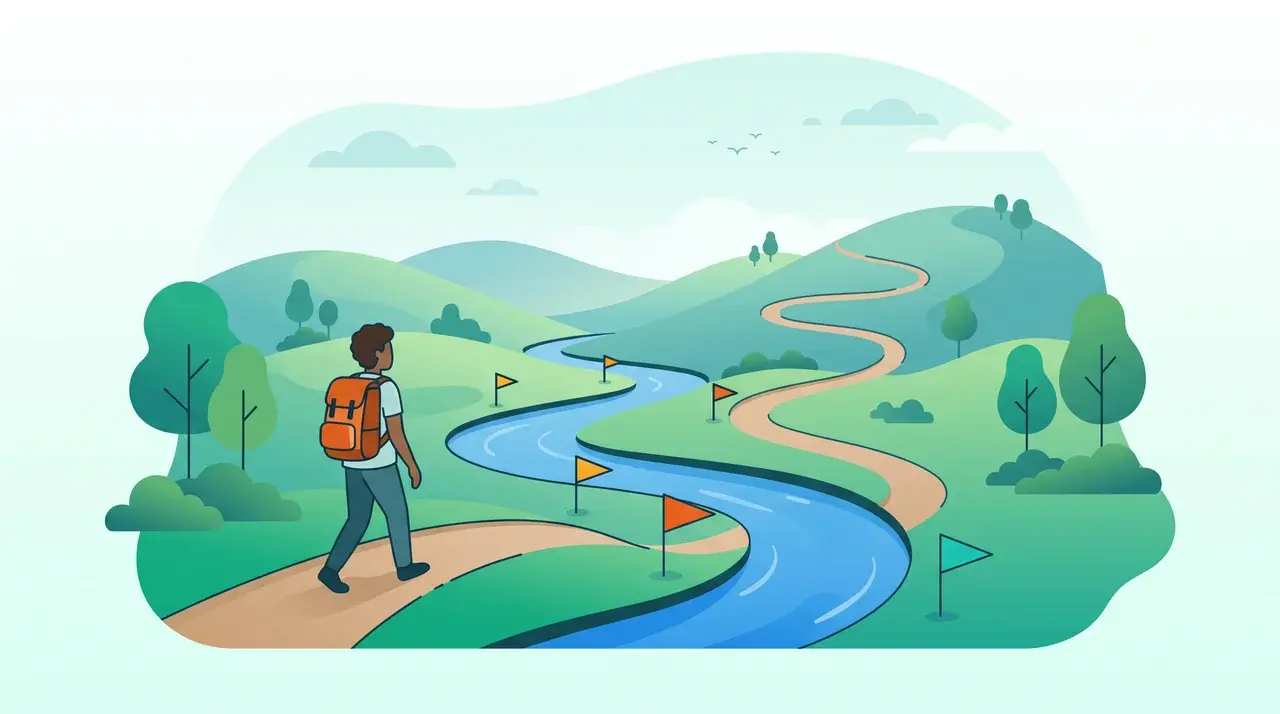
River Runs
Micro-learning courses, streaks, and tracking your progress.
- Required Training
Your admin can make some River Runs required for you. These are often onboarding, safety or compliance runs, sometimes with a due date.
- River Run Library and Categories
The River Runs home screen is your central hub for discovering and managing learning content. It organizes content into sections so you can quickly find what you need.
- River Run Progress Tracking
Give River tracks your learning progress at two levels: the individual Stream level (did you complete this lesson?) and the overall River Run level (what percentage of the run have you finished?). Progress is displayed throughout the app so you always know where you stand.
- River Run Quizzes: Rewards and Results
A quiz is a Stream inside a River Run that asks a few questions. Quizzes can pay Drops for finishing, set a pass mark with a bonus for reaching it, and give admins a clear view of how the team answered — or keep answers anonymous.
- River Run Streak Tracking
A streak measures how consistently you spend time in River Runs. Each day you watch or finish a Stream, your streak count goes up by one. There is a short grace window (set by your organization, typically 3 days): return within it and your streak keeps growing; stay away longer and it resets.
- River Run: Completion Question (Stream Feedback)
After you mark a Stream as complete, Give River may present a short Completion Question — a feedback prompt tied specifically to that lesson. This is separate from quiz-type Streams. It appears as a pop-up dialog immediately after the Stream is recorded as complete, before you move on.
- River Run: Creating and Managing River Runs (Admin)
- River Run: Liking Streams
While working through an enrolled River Run, you can like individual Streams to signal that you found the content valuable. Likes are visible on the Stream and can be toggled on and off.
- River Run: Overview and Getting Started
A River Run is a structured micro-learning course inside Give River. Each River Run is made up of individual Streams — short lessons delivered as video, audio, text, images, or interactive content. You work through Streams in sequence, earning Drops (Give River's reward currency) as you complete each one.
- River Run: Share to Feed
When you complete a Stream, you have the option to Share your completion to the Give River recognition feed. Sharing is a way to celebrate your learning publicly with your team, and it earns you more Drops than completing a Stream quietly.
- River Runs Progress and Stats
Give River shows how you're doing in River Runs in two places: the stats strip at the top of River Runs, and the playlist inside each run.
- River Runs: First-Use Consent
The first time you open River Runs, Give River asks you to agree to the River Runs terms and conditions before you start.
Other topics
 Getting Started
 Recognition & Drops
 Team & Community
 Giving & Rewards
 Your Account & Settings
 Admin & Management
 Integrations
Can't find what you need? Email support@giveriver.com.
See the platform in action.
Free for up to 25 members, or try Core or Growth free for 30 days. A card is required; Free is never charged, and a trial bills when it ends unless you cancel.